Las 10 mejores extensiones de Chrome para descargar imágenes y guardarlas fácilmente.

Guardar imágenes de un sitio web es sencillo cuando solo necesitas una. Pero cuando una página contiene docenas o incluso cientos de imágenes, descargarlas una por una puede volverse tedioso rápidamente. Afortunadamente, las extensiones de Chrome para descargar imágenes pueden agilizar mucho el proceso al detectar las imágenes en una página web y ofrecer opciones prácticas para guardarlas.
En esta guía, presentaremos las 10 mejores extensiones de Chrome para descargar imágenes y guardar rápidamente imágenes individuales o múltiples, además de analizar las ventajas y desventajas de estas herramientas.
1. Las mejores extensiones de Chrome para descargar imágenes y guardarlas fácilmente.
Chrome ofrece una amplia gama de extensiones diseñadas para simplificar la descarga de imágenes. Según tus necesidades, algunas se centran en imágenes individuales, mientras que otras son más adecuadas para descargas masivas.
1.1 Descargador de imágenes
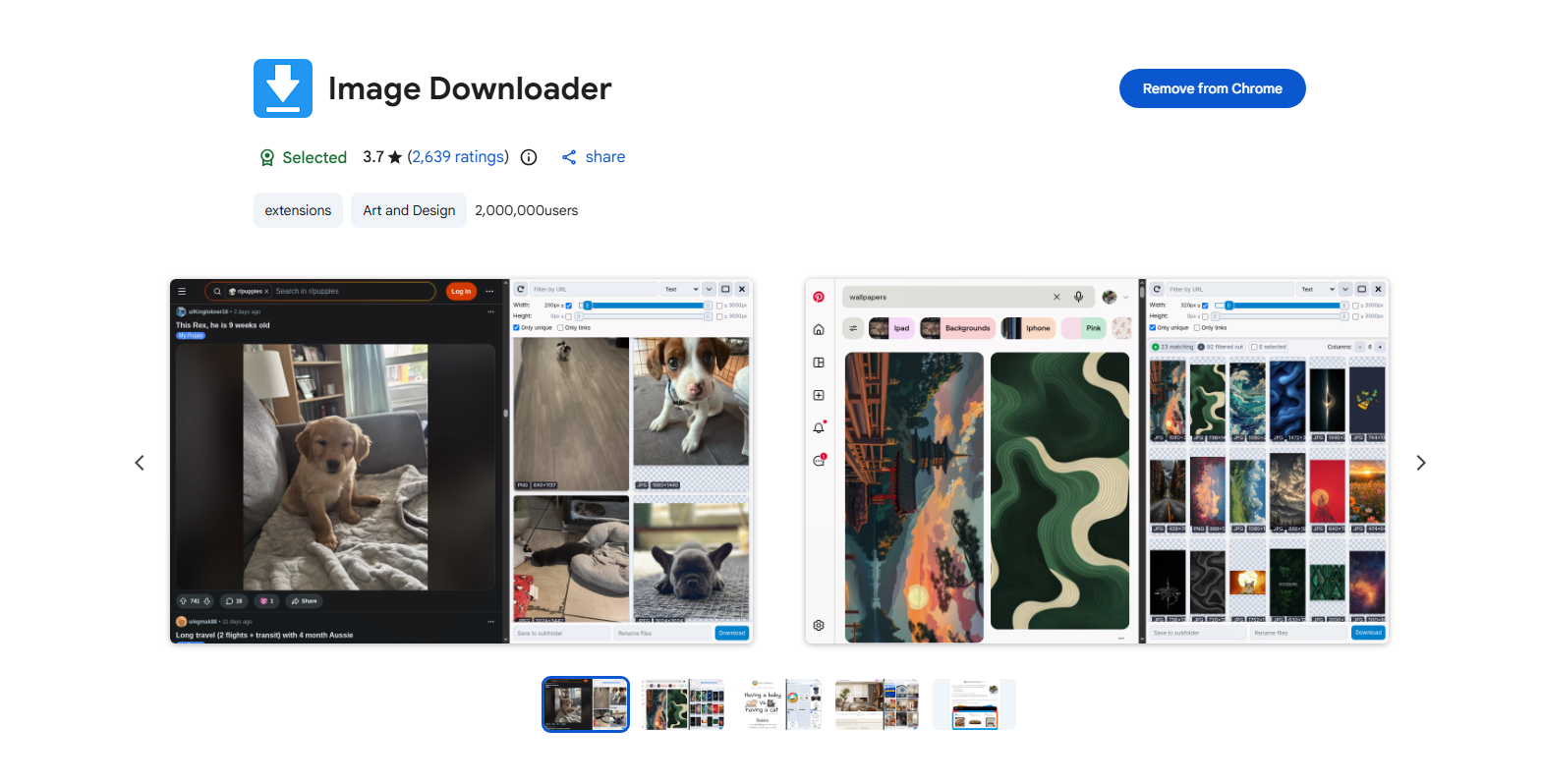
Image Downloader es una popular extensión de Chrome para encontrar y descargar imágenes de páginas web. Escanea la página actual y muestra las imágenes disponibles, lo que facilita la selección de las que deseas, en lugar de abrirlas y guardarlas manualmente.
Características principales:
- Detectar imágenes en páginas web
- Vista previa de las imágenes disponibles
- Filtrar imágenes por tamaño
- Seleccione varias imágenes
- Descargar imágenes seleccionadas
1.2 Imageye
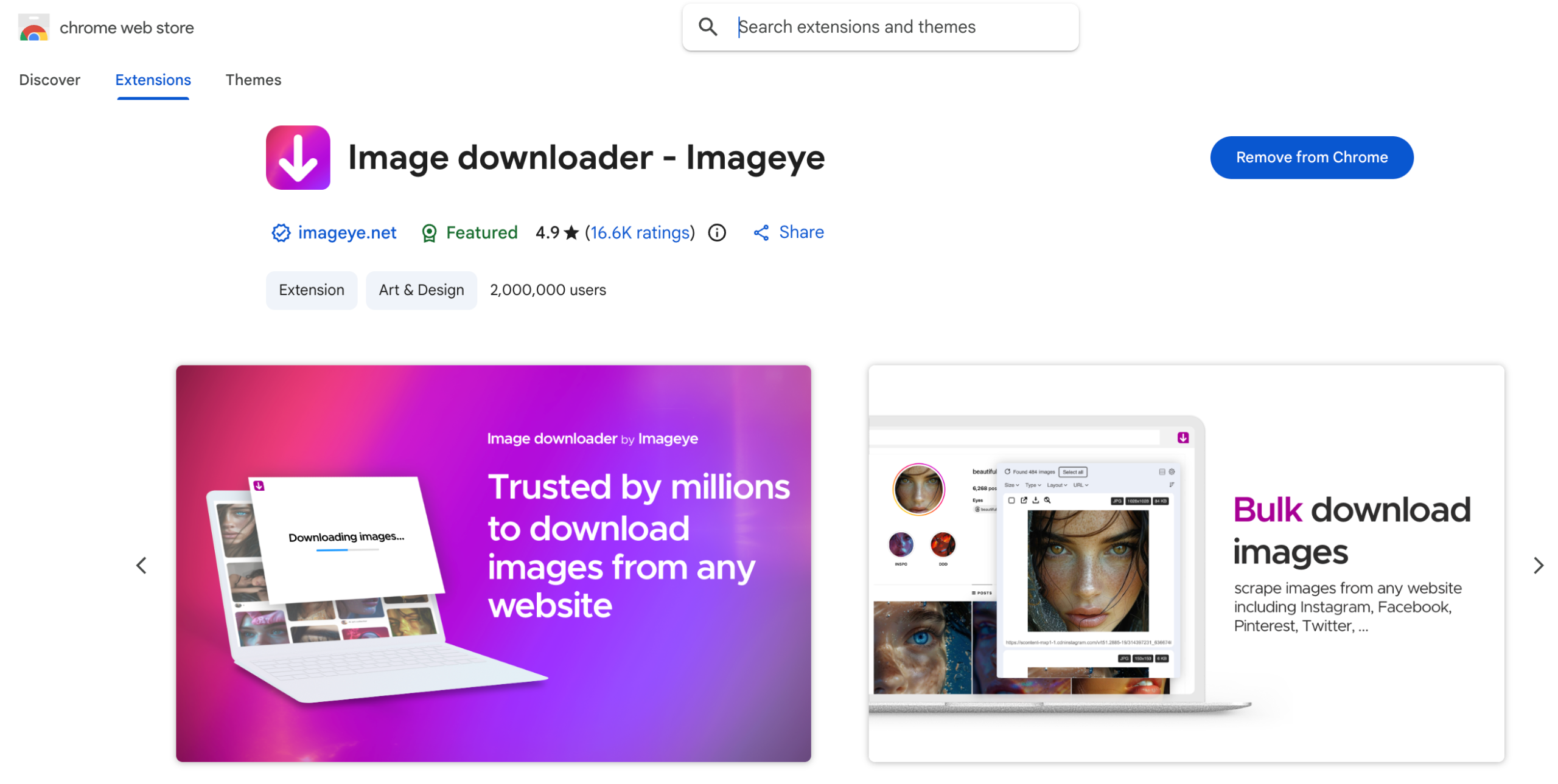
Imageye es otra extensión muy conocida para descargar imágenes en Chrome. Escanea las páginas web en busca de imágenes y las presenta en una interfaz organizada.
Los usuarios pueden seleccionar imágenes individuales o varias a la vez y descargarlas directamente desde la extensión. Sus opciones de filtrado también permiten encontrar archivos de imagen más grandes o específicos con mayor rapidez.
1.3 Descargador de imágenes con doble clic
Double-click Image Downloader adopta un enfoque más sencillo. En lugar de abrir una interfaz de descarga independiente, los usuarios suelen guardar una imagen haciendo doble clic.
Esto puede resultar especialmente útil cuando solo necesitas descargar imágenes individuales rápidamente y no quieres navegar por varios menús.

1.4 Descargador masivo de imágenes desde una lista de URL
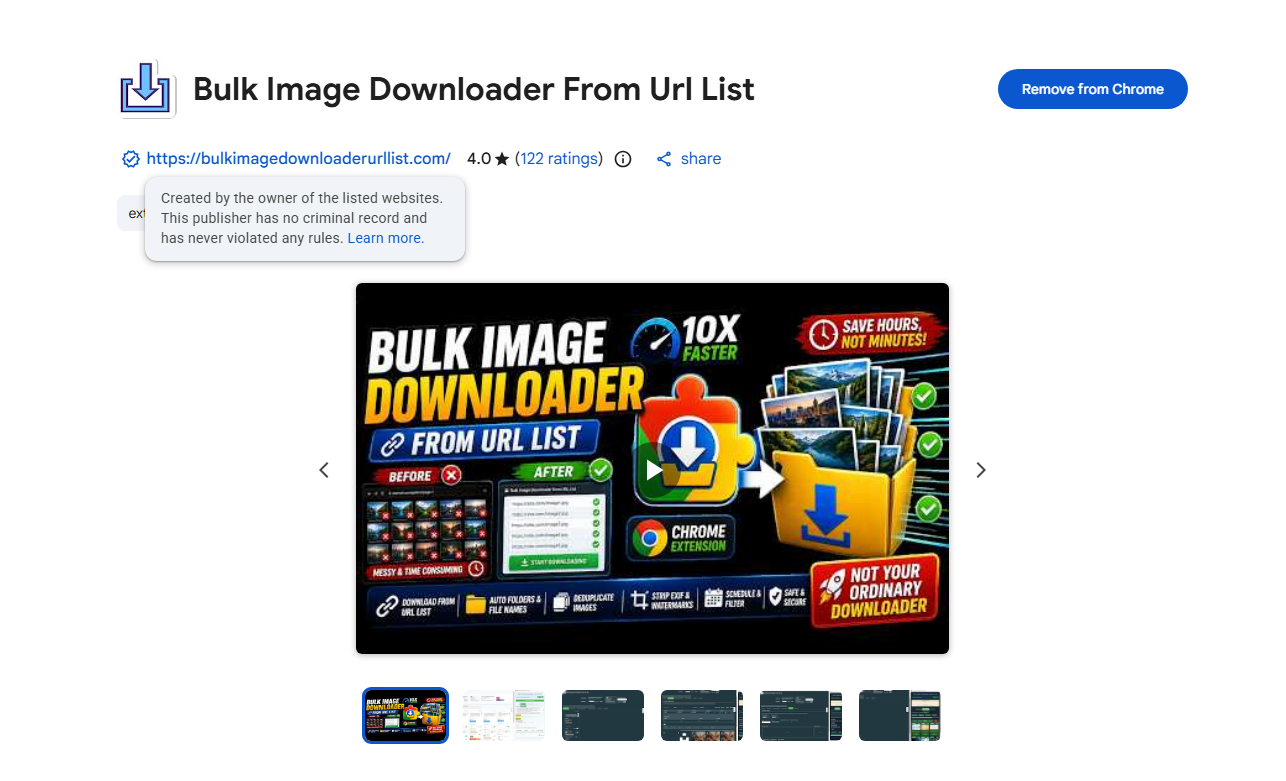
Para los usuarios que trabajan con una lista de URL de imágenes, Bulk Image Downloader from URL List ofrece una solución más especializada. En lugar de detectar imágenes en una página web, este tipo de extensión está diseñada para descargar imágenes desde las URL proporcionadas.
Ventajas clave:
- Admite múltiples URL de imágenes.
- Reduce las descargas repetitivas.
- Útil para flujos de trabajo basados en URL.
- Puede guardar varias imágenes de forma más eficiente.
1.5 Descargar todas las imágenes
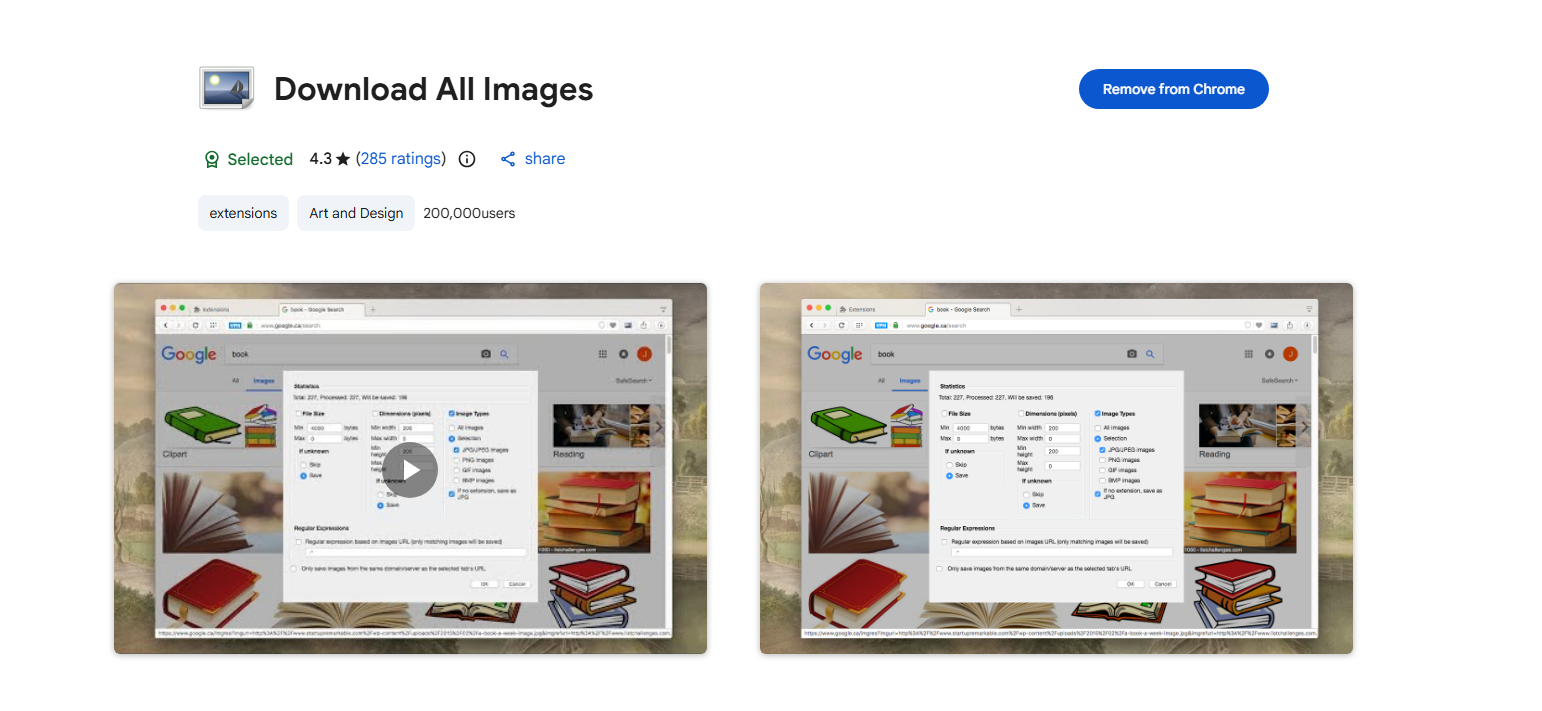
Como su nombre indica, Download All Images se centra en descargar varias imágenes de páginas web. Puede detectar las imágenes de la página actual y ayudar a los usuarios a guardarlas en lotes.
Esto puede ahorrar mucho tiempo en sitios web con muchas imágenes, aunque las funciones de filtrado y selección disponibles pueden variar según la extensión.
1.6 Grabit – Descargador de imágenes con un solo clic
Grabit – Descargador de imágenes con un solo clic se centra en simplificar al máximo la descarga de imágenes. Su sistema de un solo clic resulta útil cuando se desea descargar imágenes rápidamente mientras se navega por internet.
En lugar de seguir el proceso tradicional de clic derecho → Guardar imagen como, una extensión de descarga de imágenes puede reducir la cantidad de pasos necesarios.

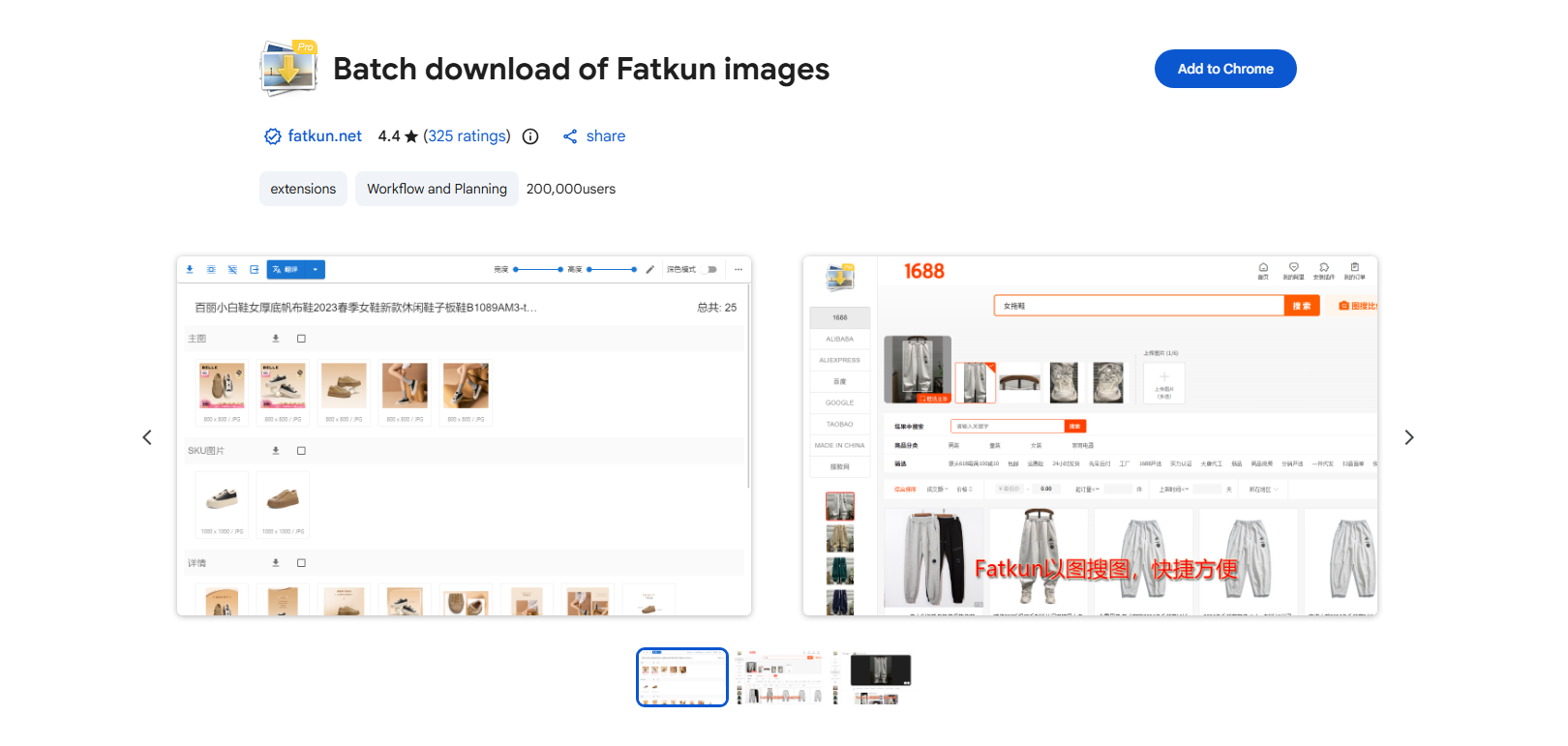
1.7 Fatkun
Fatkun está diseñado para usuarios que necesitan descargar varias imágenes de páginas web. Proporciona herramientas para identificar imágenes y seleccionar los archivos que se deben guardar.
Resulta especialmente útil para páginas, galerías y sitios web con gran cantidad de imágenes, donde descargar manualmente cada fotografía llevaría demasiado tiempo.
1.8 ¡Descárgalos todos!
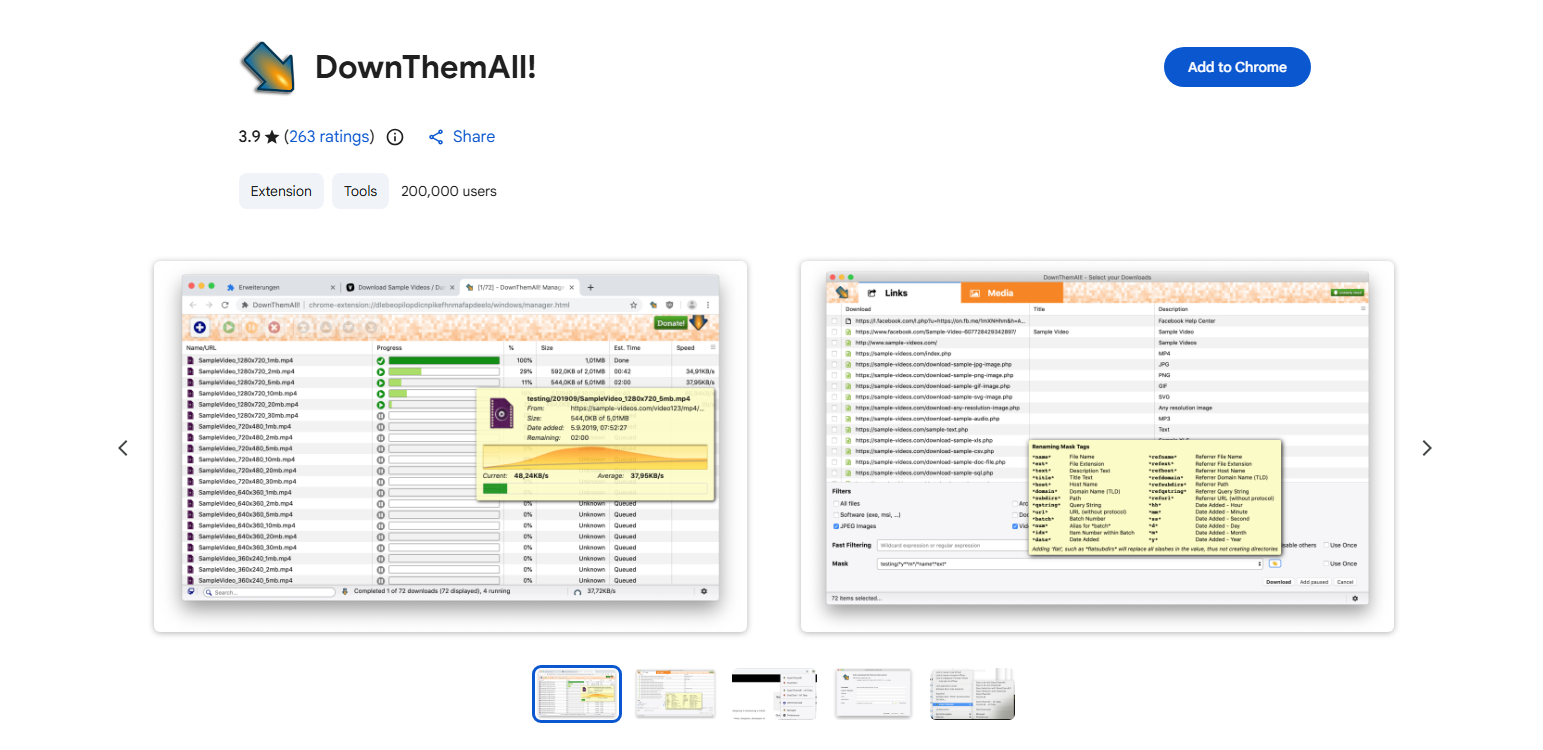
DownloadThemAll! es una extensión de gestor de descargas que puede manejar diferentes tipos de archivos, incluidas imágenes. Proporciona mayor control sobre qué archivos se descargan de una página web.
En lugar de guardar manualmente cada archivo, los usuarios pueden identificar los recursos descargables y seleccionar los que necesiten.
1.9 Guardar imagen como tipo
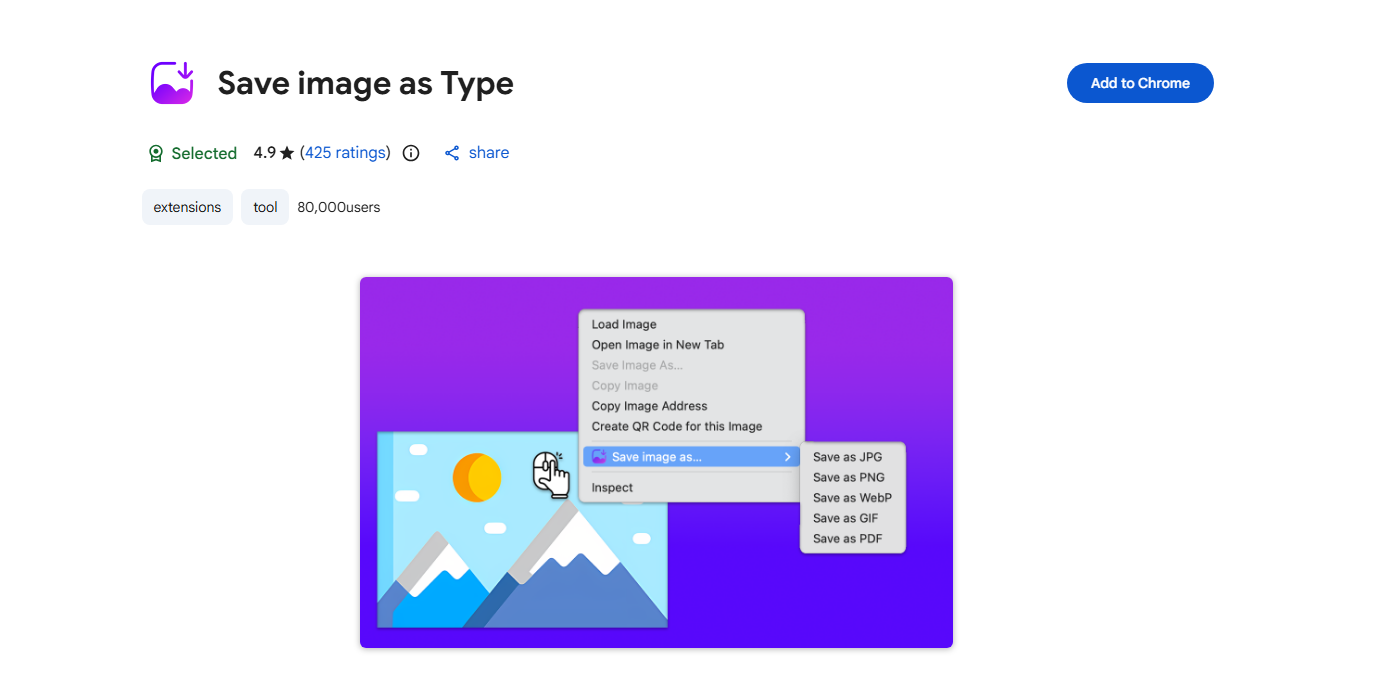
A veces, un sitio web proporciona una imagen en un formato que no es ideal para tu flujo de trabajo. La función Guardar imagen como tipo está diseñada para facilitar el guardado de imágenes en el formato seleccionado.
Este tipo de extensión puede resultar útil cuando se necesita más flexibilidad que la opción estándar de Chrome "Guardar imagen como".
1.10 HImage
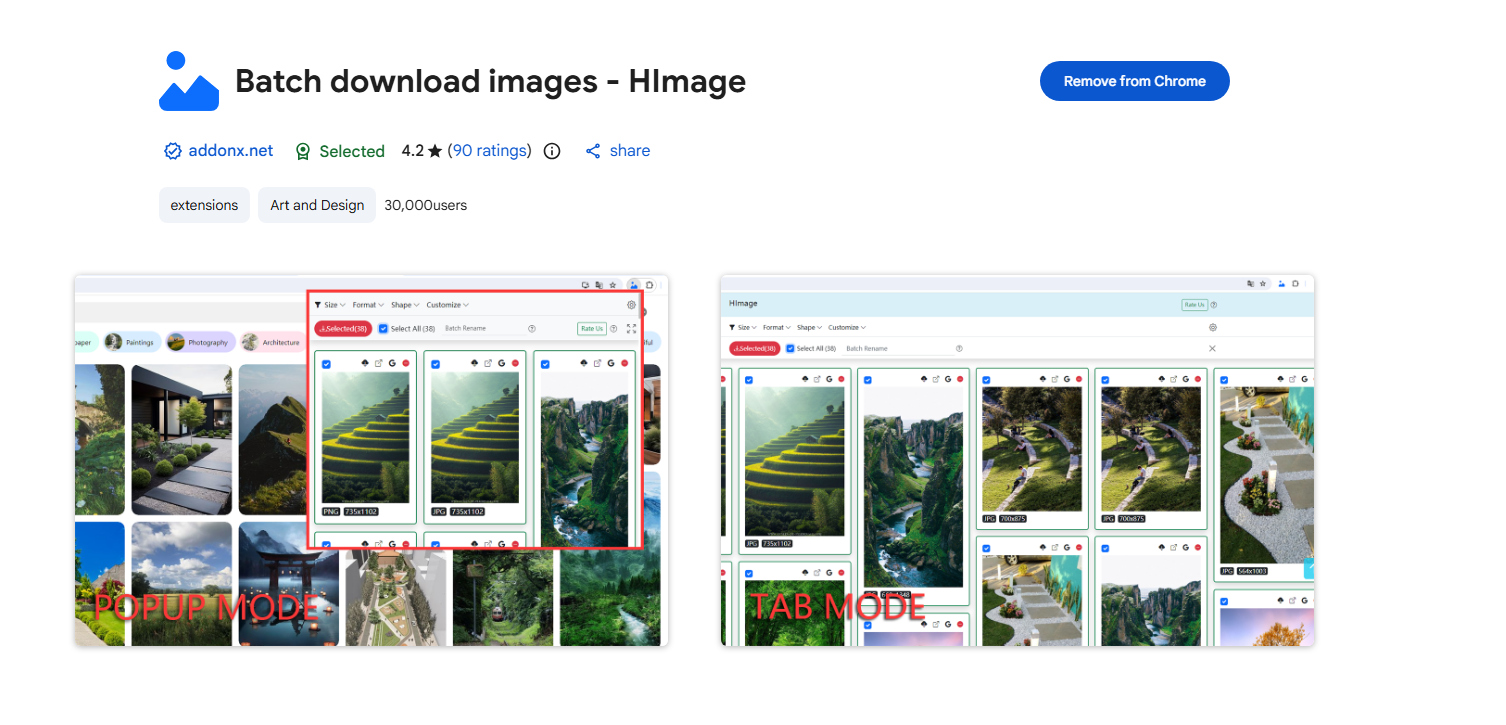
HImage es otra extensión de Chrome para usuarios que buscan una forma práctica de descargar imágenes de sitios web. Dependiendo de la página web y la estructura de la imagen, puede simplificar el proceso de búsqueda y guardado de imágenes.
Puede tenerse en cuenta junto con otras extensiones de descarga de imágenes al elegir una solución basada en el navegador.
2. Ventajas y desventajas de usar extensiones de Chrome para descargar imágenes
Las extensiones de Chrome son prácticas, pero no son perfectas para todas las tareas de descarga.
| Ventajas: | Desventajas: |
| * Fácil de instalar y usar
* Descarga rápida de imágenes * Admite la descarga de múltiples imágenes * Ahorra tiempo y clics repetitivos * Funciona directamente en el navegador |
* Capacidades limitadas de descarga masiva
* Puede que no funcione en todos los sitios web. * Puede tener problemas con imágenes cargadas dinámicamente * Depende del navegador * Menos adecuado para descargar grandes colecciones de imágenes. |
Para descargas ocasionales, una extensión puede ser más que suficiente. Sin embargo, si necesitas descargar cientos de imágenes con regularidad, un programa específico para descargas masivas te brindará una experiencia mucho más fluida.
3. Prueba la solución definitiva para la descarga masiva de imágenes: PicCat.
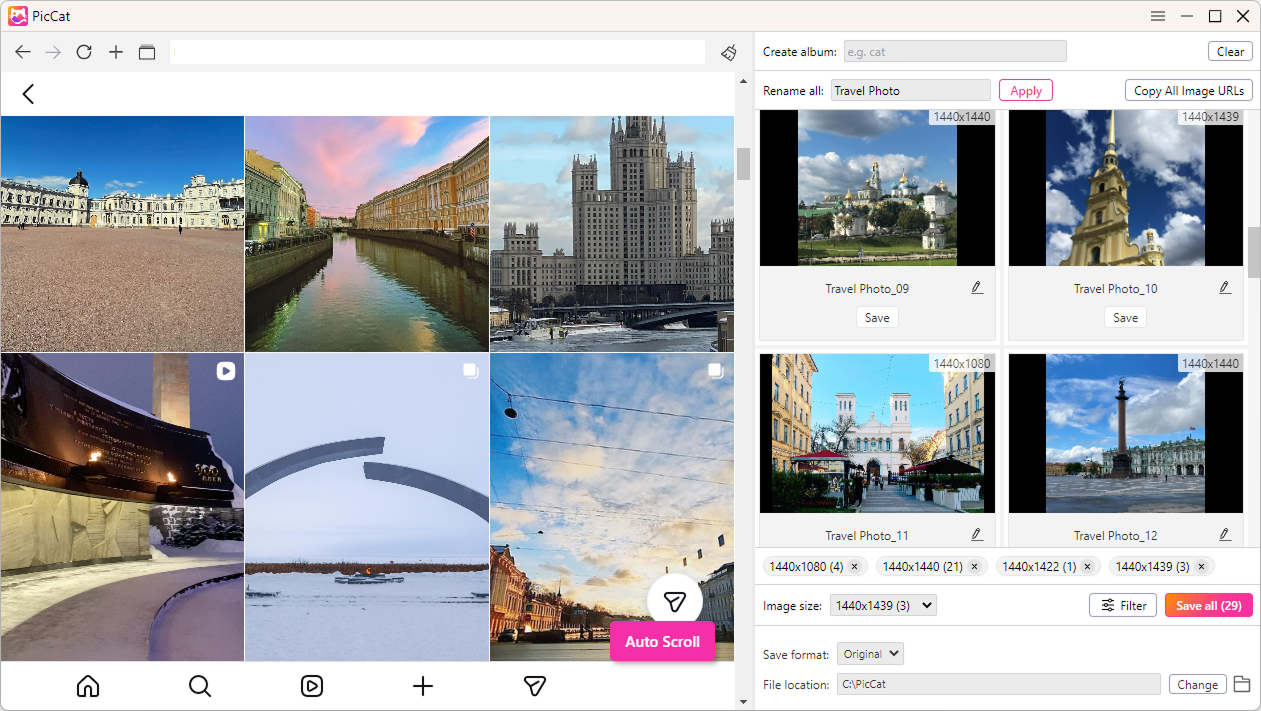
Si las extensiones de Chrome no son lo suficientemente potentes para sus necesidades de descarga, PicCat Vale la pena considerarlo. PicCat es un programa para descargar imágenes de escritorio diseñado para usuarios que desean descargar imágenes en lote en lugar de guardarlas individualmente.
Características principales de PicCat:
- Descarga imágenes de todas las plataformas y sitios web de alojamiento de imágenes más populares.
- Guarda varias imágenes de páginas web o listas de URL simultáneamente.
- Descarga las imágenes en su máxima resolución disponible.
- Filtra las imágenes por formato, dimensiones y tamaño de archivo.
- Cambia el nombre de las imágenes descargadas con reglas de nomenclatura flexibles.
- Copia o exporta las URL de las imágenes con un solo clic.
- Admite JPG, PNG, GIF, WebP, SVG y más.
Cómo usar PicCat:
- Descarga e instala la aplicación de escritorio PicCat y, a continuación, ejecútala.
- En PicCat, abre la página web que contiene las fotos que deseas guardar.
- Deja que PicCat se desplace automáticamente por la página y detecte todas las imágenes disponibles.
- Selecciona las fotos en calidad original que quieras descargar y cambia el nombre de los archivos si es necesario.
- Haz clic en el botón "Guardar todo" para descargar todas las imágenes de Instagram seleccionadas a la carpeta que prefieras.
4. Conclusión
Las extensiones de Chrome para descargar imágenes son herramientas útiles para guardar rápidamente fotos de sitios web. Opciones como Image Downloader, Imageye, Double-click Image Downloader, Fatkun, DownloadThemAll! y Save Image As Type facilitan las tareas cotidianas de guardar imágenes y reducen los clics repetitivos.
Sin embargo, las extensiones del navegador pueden no ser la mejor opción cuando se necesita descargar una gran cantidad de imágenes. Pueden presentar limitaciones relacionadas con el procesamiento masivo, la compatibilidad con páginas web y la gestión de descargas.
Para los usuarios que trabajan habitualmente con grandes colecciones de imágenes, PicCat es una alternativa más potente. Con descarga masiva, detección de imágenes, procesamiento por lotes y un flujo de trabajo de escritorio dedicado, puede hacer que la descarga de imágenes a gran escala sea más rápida y cómoda. Si necesita guardar con frecuencia docenas, cientos o más imágenes, PicCat Vale la pena probarlo como la solución definitiva para la descarga masiva de imágenes.